If your company runs on Oracle NetSuite and you find that your users continually create duplicate customers even after training and retraining, you may consider that their global search results are not as helpful as they could be. This article explains a technique that your administrators can use to help everyone in your organization do a better job searching for and finding existing customer records before creating a new ones.
I see that when many companies go live on NetSuite they sometimes miss an opportunity to set the system up for success. It's the little things that go a long way in helping with adoption and quality of the outcome. User input should be audited and assessed regularly during the months after go live.
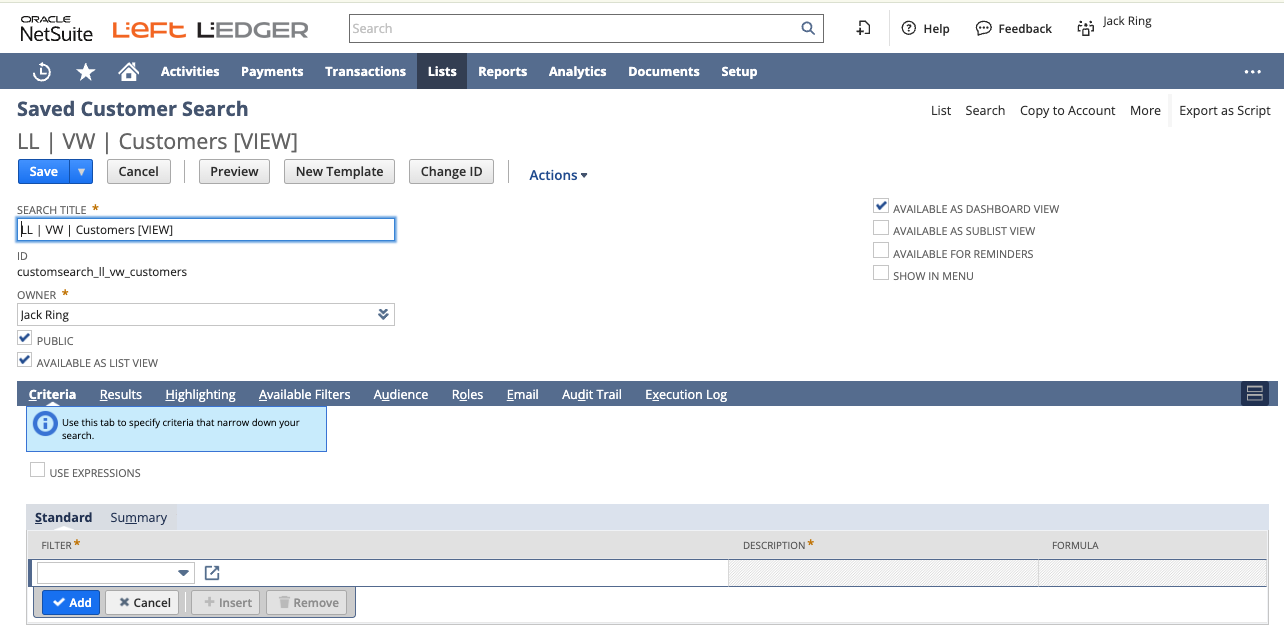
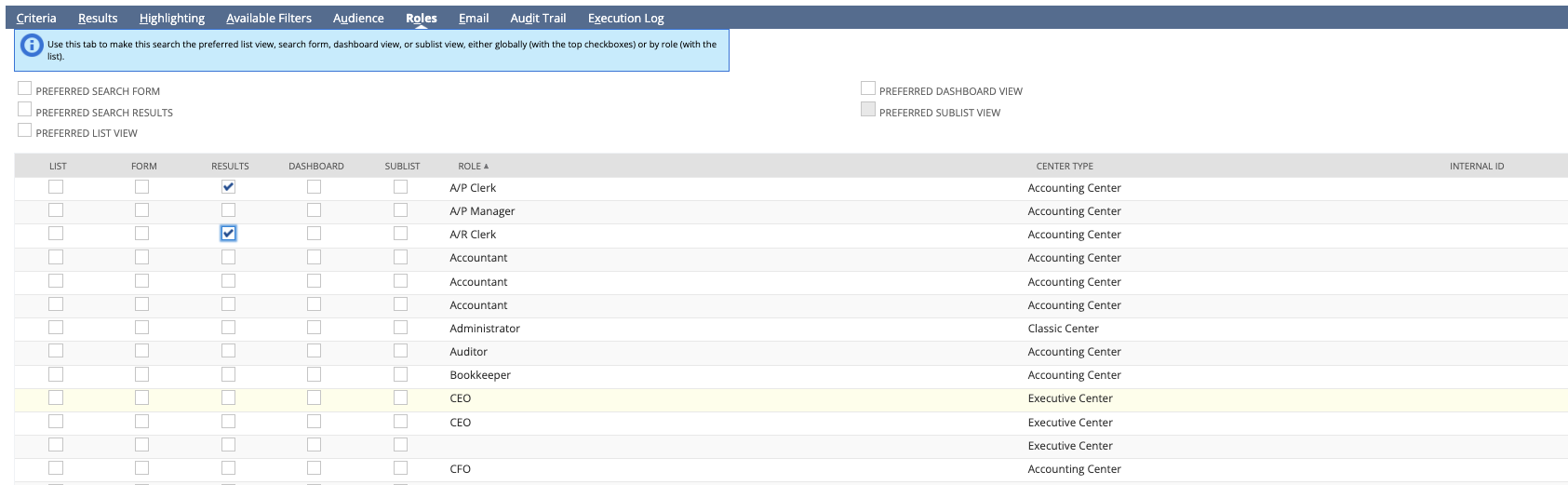
Setting up a saved search for "Customers", making it public, and defining it as the designated search template for "Results" will helping your end users more effectively find existing customers in your system.
Make sure that the search is marked public and available as list view.
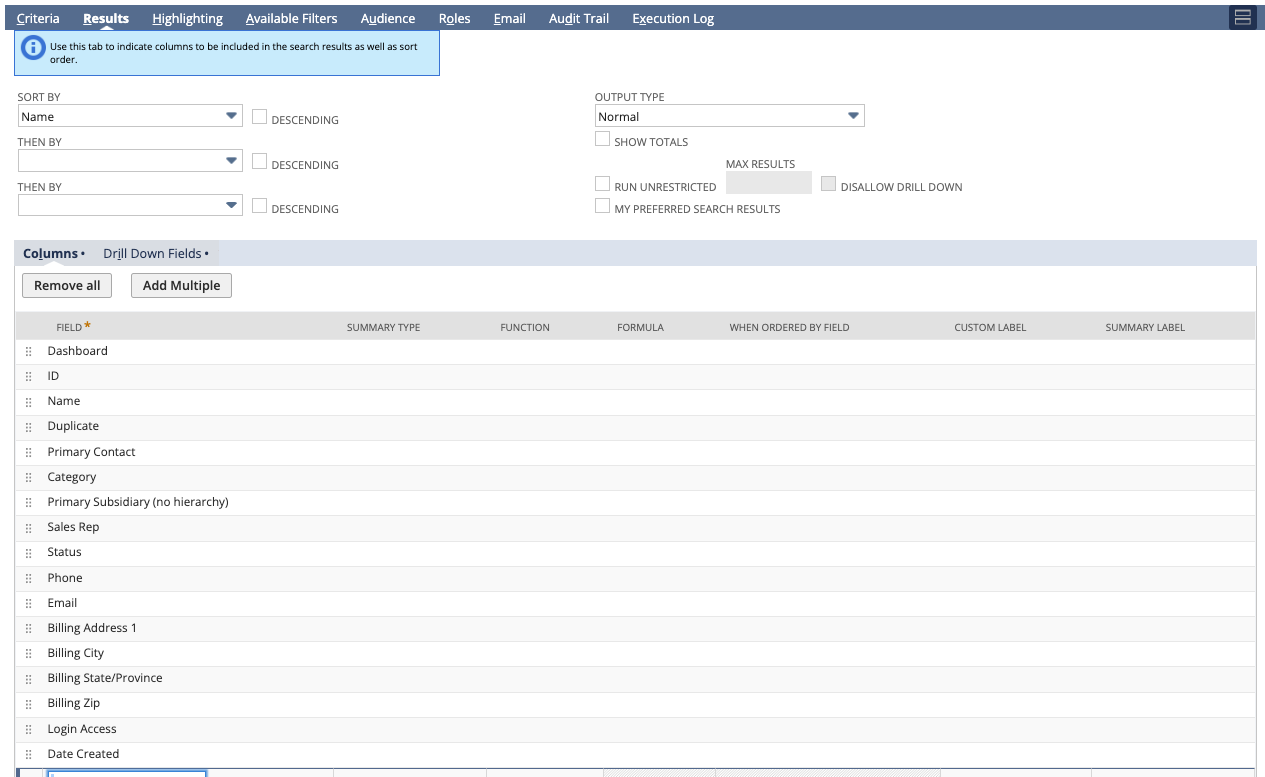
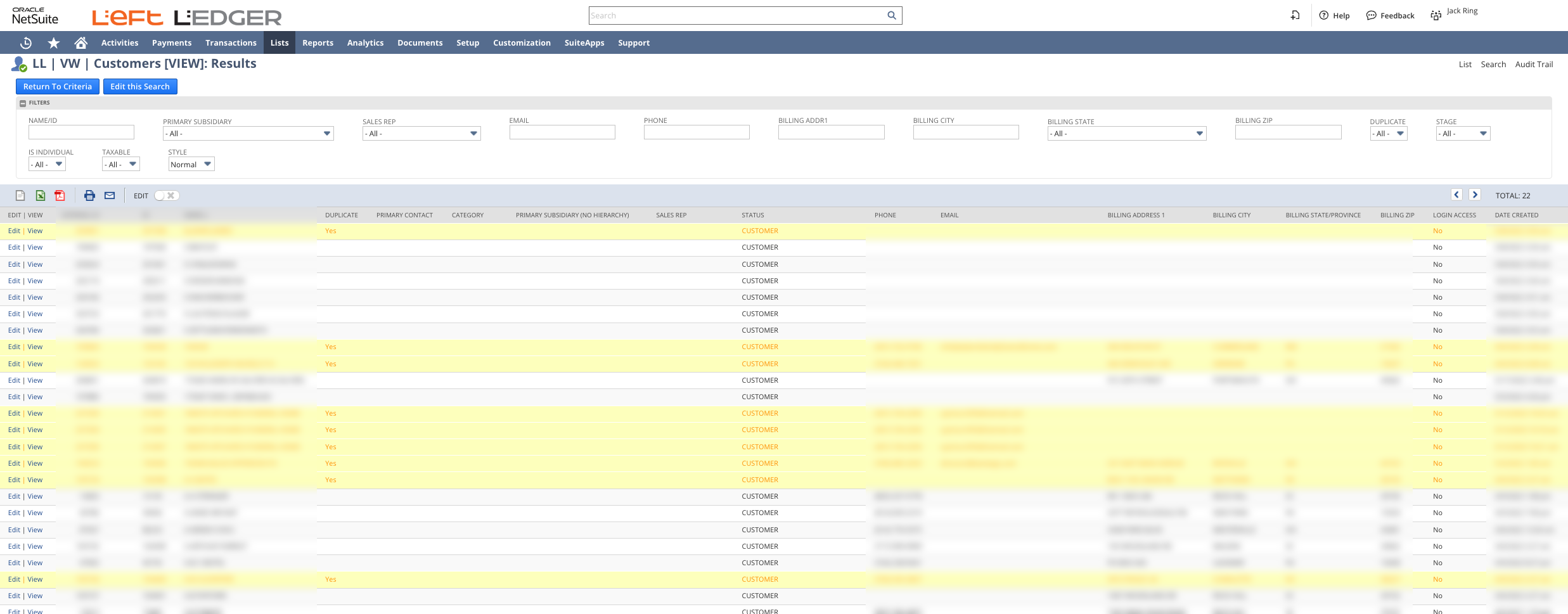
In the results, it's helpful to add things like Name/ID, billing address, zip, and state. If your company is using one world and multi-subsidiary customers then the quality of end user training is important.
I find it helpful to add highlighting to call-out where a company may be winning or needs to be cautious.
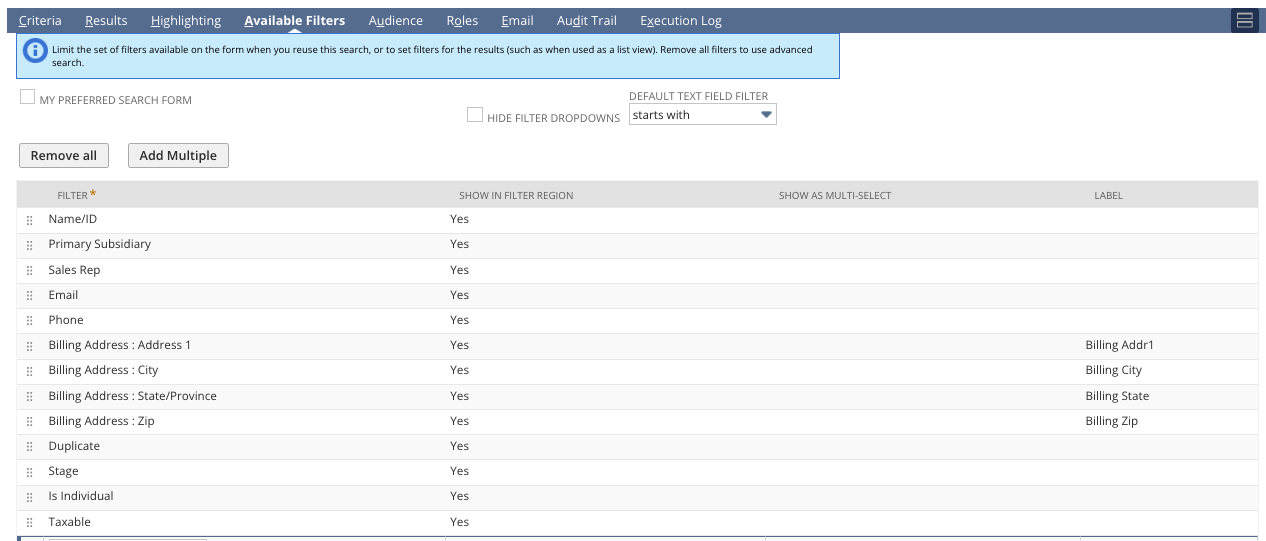
Make sure that your available filters make sense with the column set previously chosen.
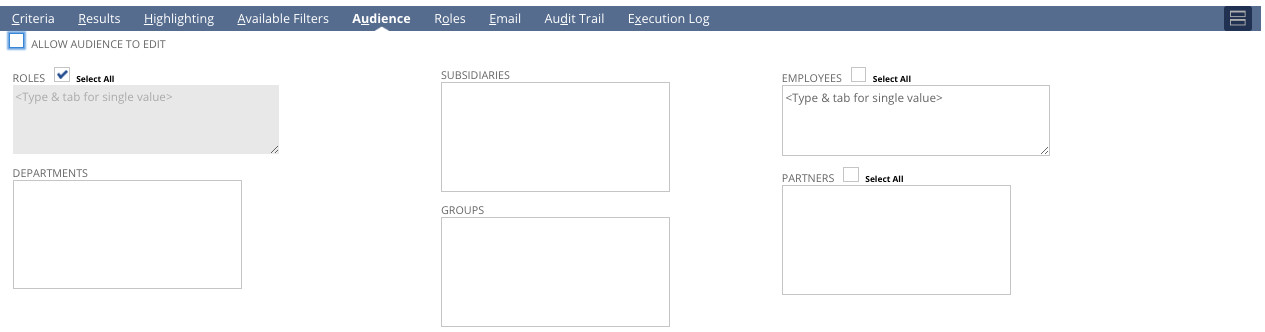
Be sure that the audience is set to ALL applicable roles.
Clicking the checkbox under the "Results" column will lead to this saved search being set to be used as the default for the global searches for this record type. In our case "Customers".
I hope you found this technique helpful.
NetSuite equips you with a comprehensive set of tools to maximize the efficiency of your software investment, benefiting both your team and the broader business. If you require expert NetSuite assistance, in process optimization, development or training, please feel free to contact us.
...
If your business runs on NetSuite, you already know that transactions drive everything. Quotes turn into sales orders. Sales orders become fulfillments. Invoices close the loop. But here is the uncomfortable truth. Most companies send documents that look like they were generated in 2004. Plain fonts. Awkward spacing. Misaligned totals. Logo shoved in the corner. No brand presence. No hierarchy. No polish.
And every time that document hits a customer’s inbox or lands in a shipping box, it says something about you.
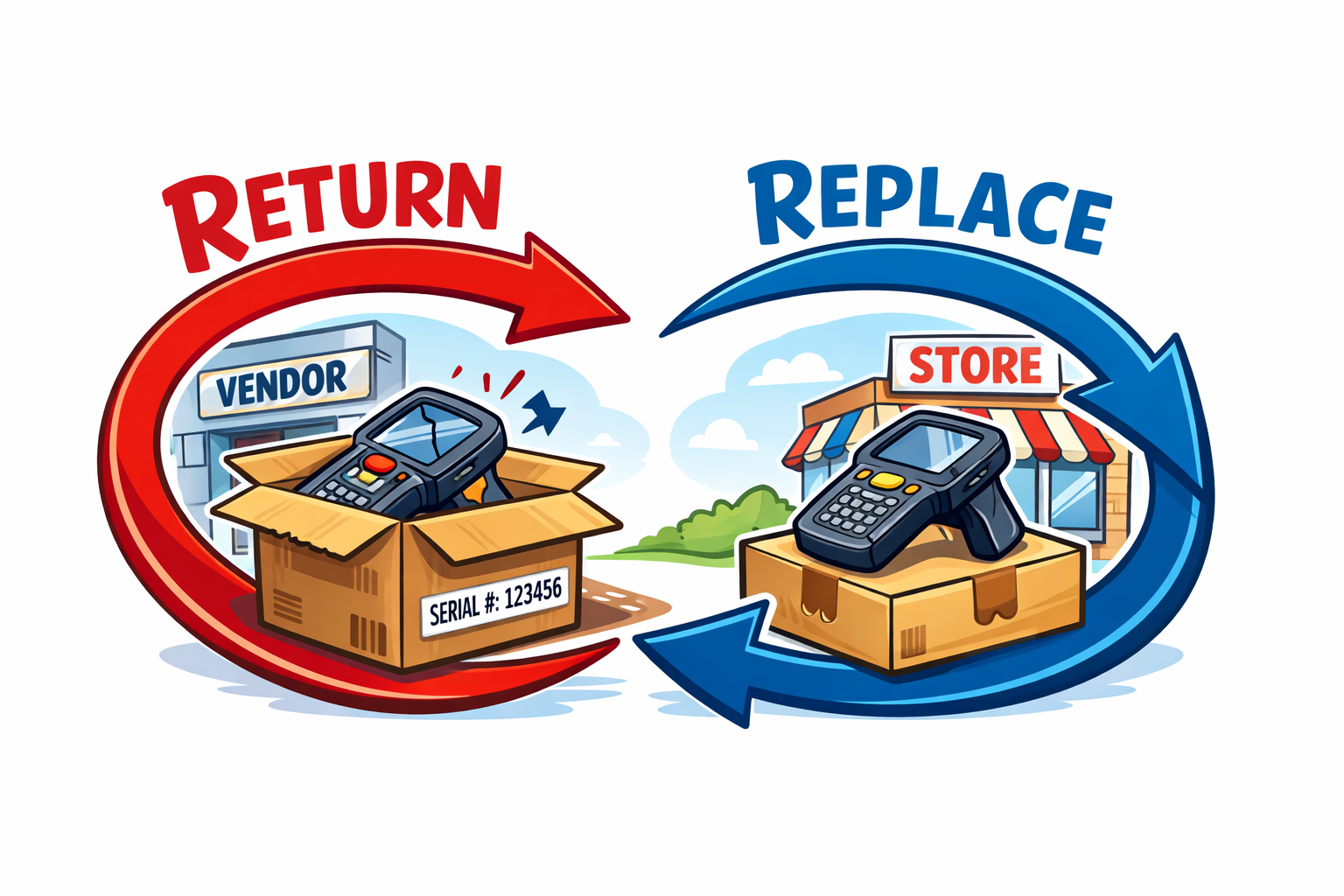
In distribution and serialized inventory environments, the "simple" act of swapping a defective unit for a customer can quietly damage financial integrity if not handled with discipline. A customer returns a serialized unit. The store hands them a new one from stock. The vendor agrees to replace or credit the defective unit. Everyone feels like the problem is solved.
Operationally, maybe. Financially, not necessarily.
For many finance leaders, the monthly and quarterly close process is a recurring headache. Spreadsheets circulate through inboxes, checklists live on shared drives, and documentation is scattered across systems. The result? Lost time, inconsistent practices, and extra stress when auditors come knocking.