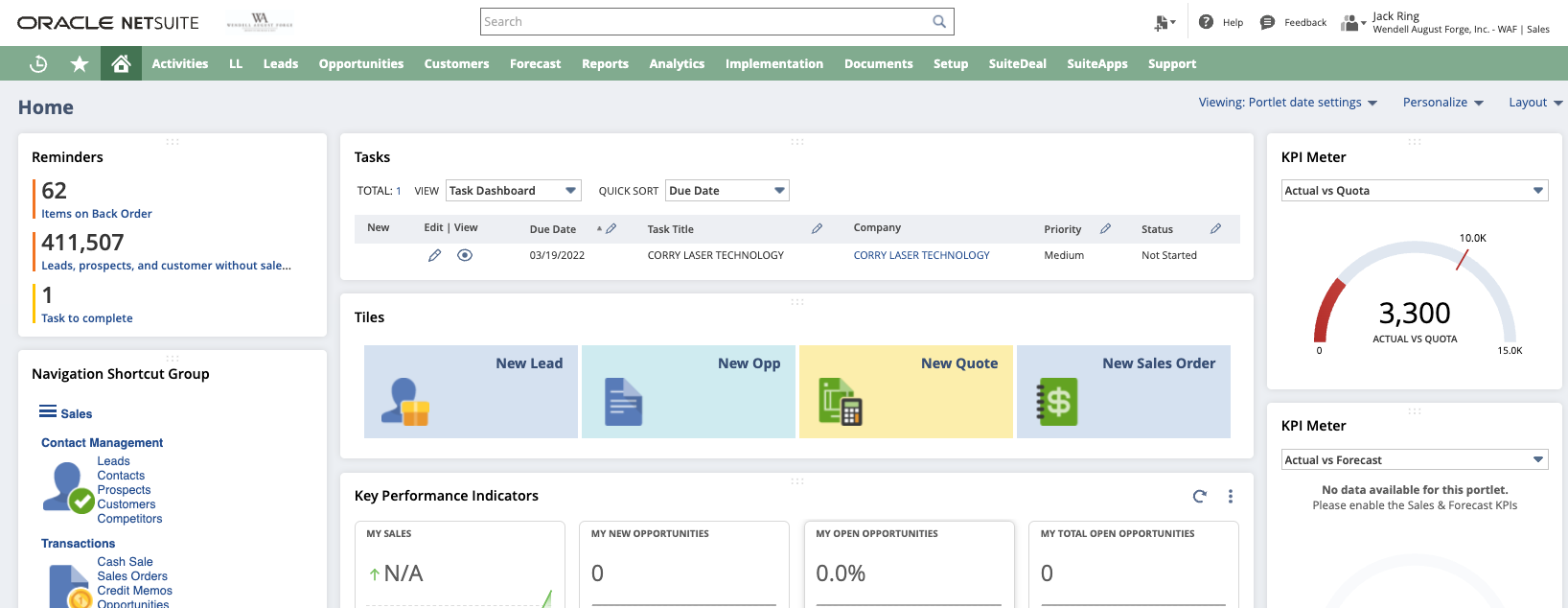
This article may be of interest to you if your company is run on Oracle NetSuite and you do not see a "TASKS" block on under "Personalize" area of your home dashboard. This article shows you how to set one up yourself.

Typical workflows may begin and end inside your email and calendar software. Using Tasks to communicate with your work colleagues inside of NetSuite is a great way to take a half-step out of that paradigm. They will show on your NetSuite calendar, home dashboard and many other places where they may be related. In this article I will explain how to add your Tasks as a list on your home dashboard.
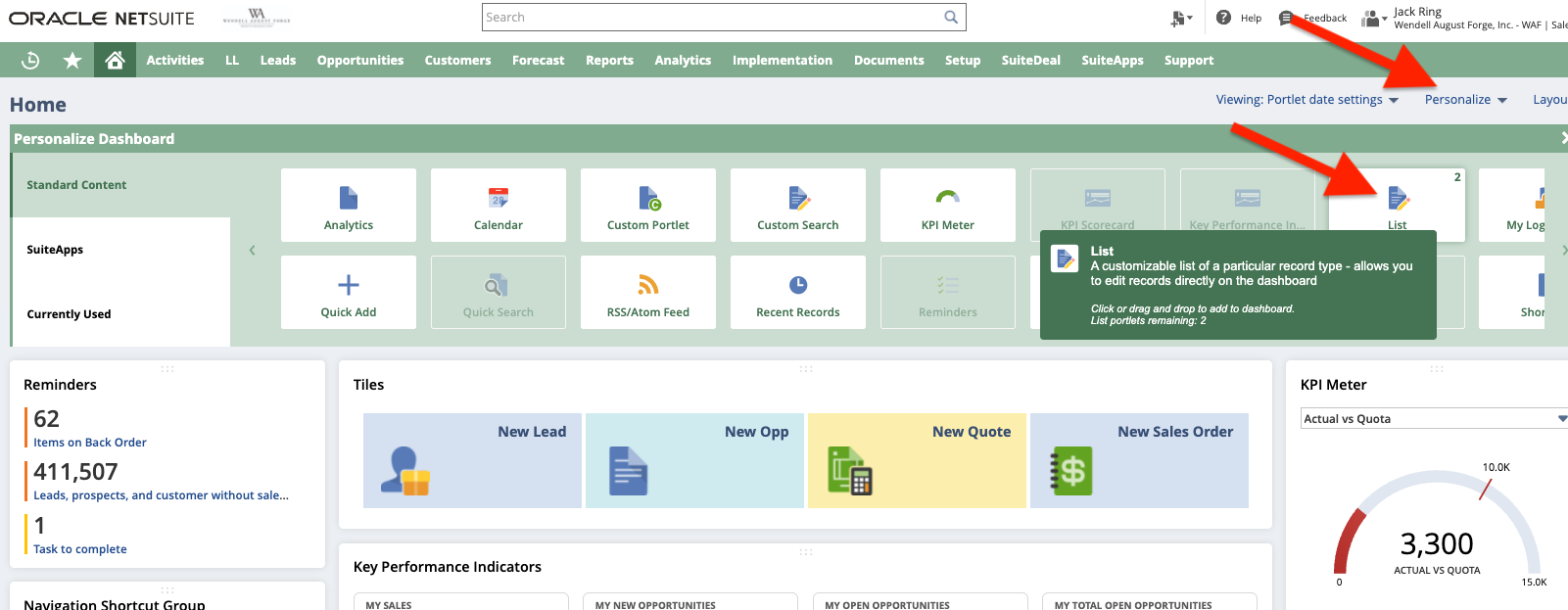
Click / Expand the Personalize
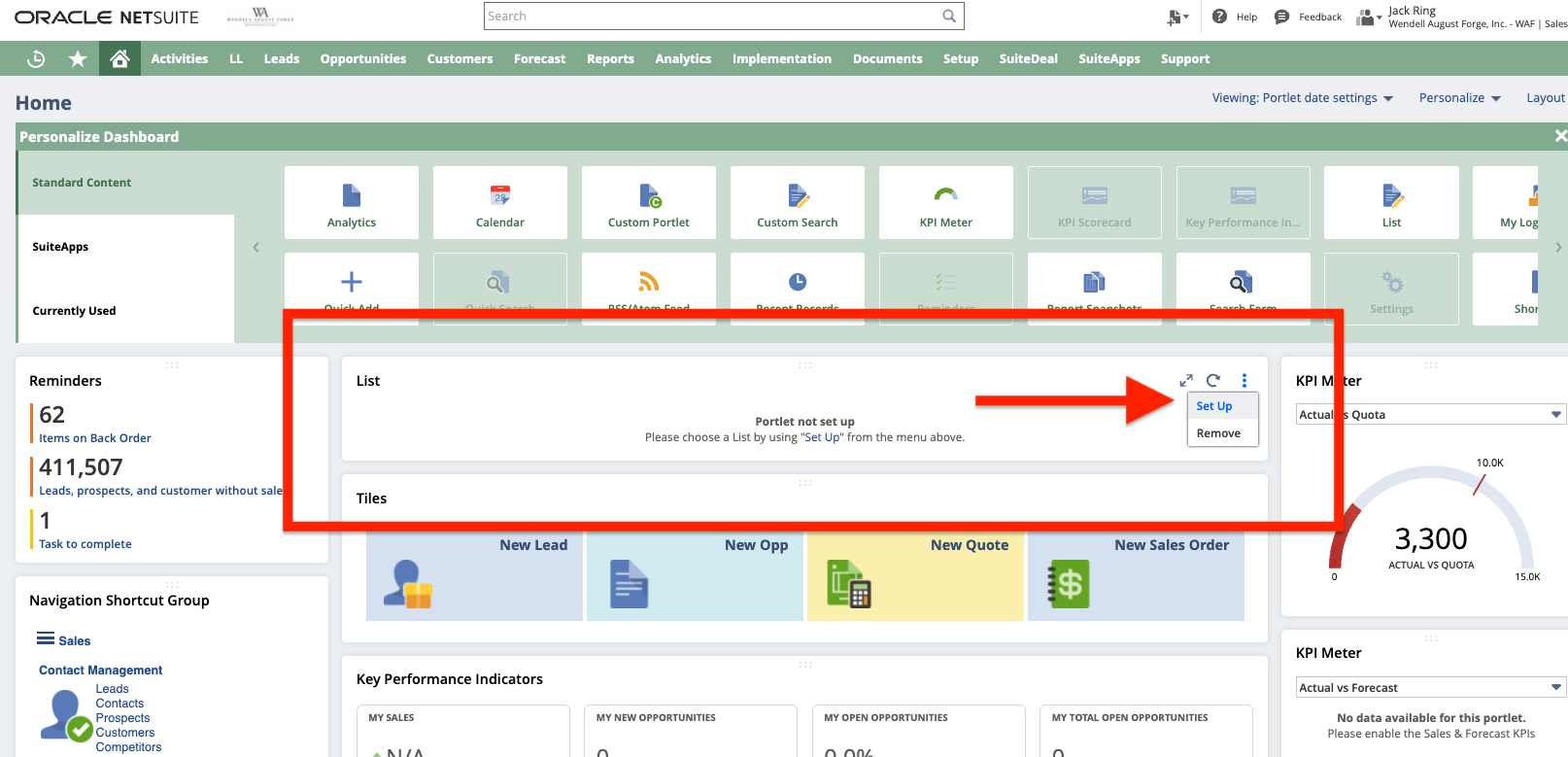
Drag and drop a "List" element top center area. Hover over the vertical domino dots and click "Set Up".
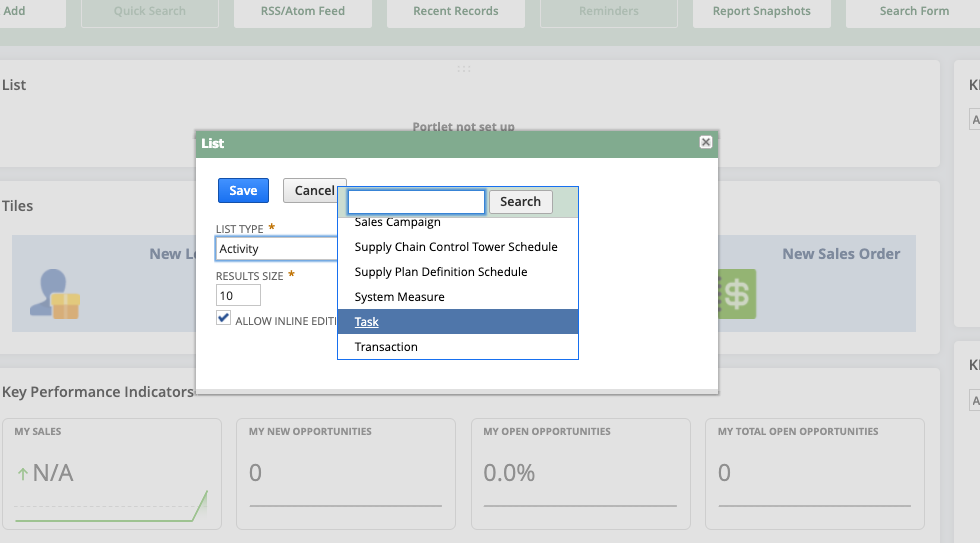
Select "Task" from the "List Type" dropdown.
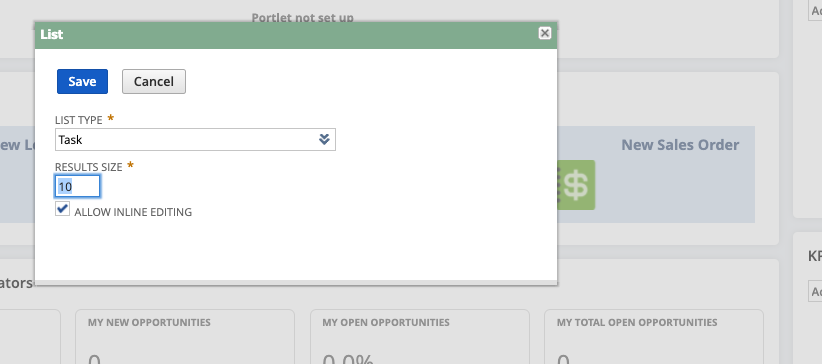
Configure the number of records to show in your results.
...
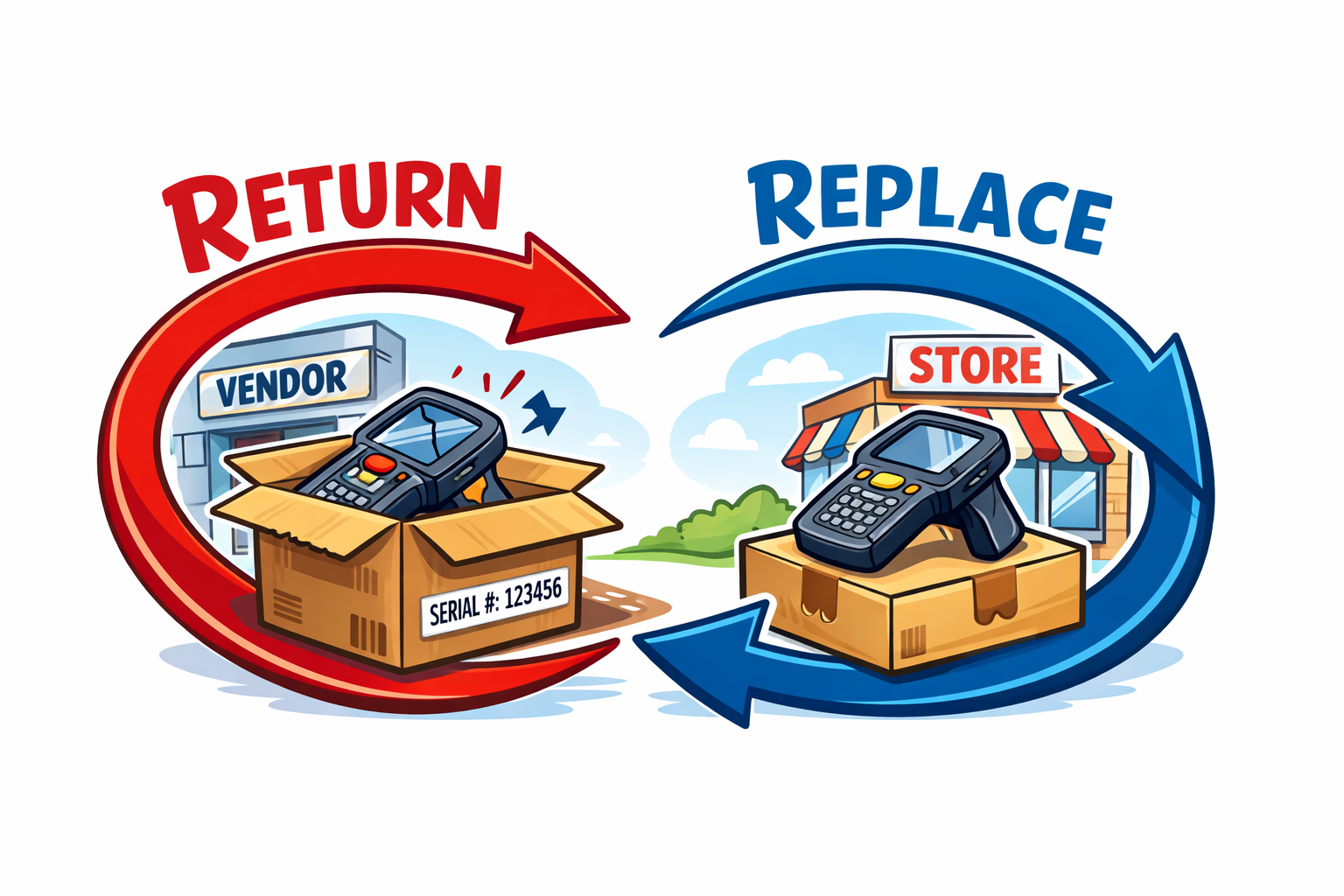
In distribution and serialized inventory environments, the "simple" act of swapping a defective unit for a customer can quietly damage financial integrity if not handled with discipline. A customer returns a serialized unit. The store hands them a new one from stock. The vendor agrees to replace or credit the defective unit. Everyone feels like the problem is solved.
Operationally, maybe. Financially, not necessarily.
If you are a CFO, Controller, or finance leader running on Oracle NetSuite, this conversation is worth your attention.
Reimplementation is not about dissatisfaction with the platform. It is about alignment. Over time, licensing structures expand, add-ons accumulate, transaction tiers shift, and renewal cycles become routine rather than strategic. What once made sense at go-live may no longer reflect how your business operates today.
Handled correctly, renewal can become an opportunity to reset cost trajectory, restore leverage, and reestablish long-term predictability in total cost of ownership.